


Your goals are within reach. Whether you’re starting college, enhancing skills, changing careers or looking for classes to enrich your life, we have a place for you.
Future Students
Looking to advance your workforce's skills, seek qualified employees, grow your business or host an event? We're a ready partner.
Business & Industry

Thousands of students used WCC as a launching pad for their education and careers. Learn how your gift can help students access higher education.
Alumni & DonorsPrograms offered
credit students enrolled
two-year online college in Michigan. Source: AC Online
intend to transfer to complete a bachelor degree
What Does it Cost?
Learn about costs


News & Highlights
-
Apprenticeship Fair connects employers with job-seekers
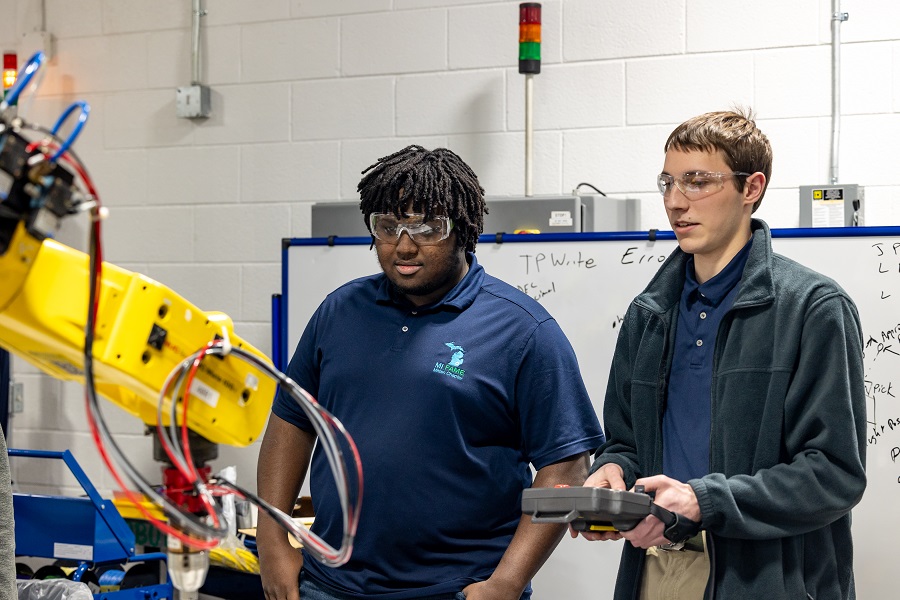
Washtenaw Community College will join the Job Developers Alliance (JDA) and its inaugural Apprenticeship Fair next week to showcase work-learn opportunities for students and partner with employers. The Wednesday, May 1, event is designed to connect those who want to earn trade or professional skills through hands-on experiences with local employers. The fair will be from 4-7 pm at Skyline High School, 2552 N. Maple Road, Ann Arbor.
-

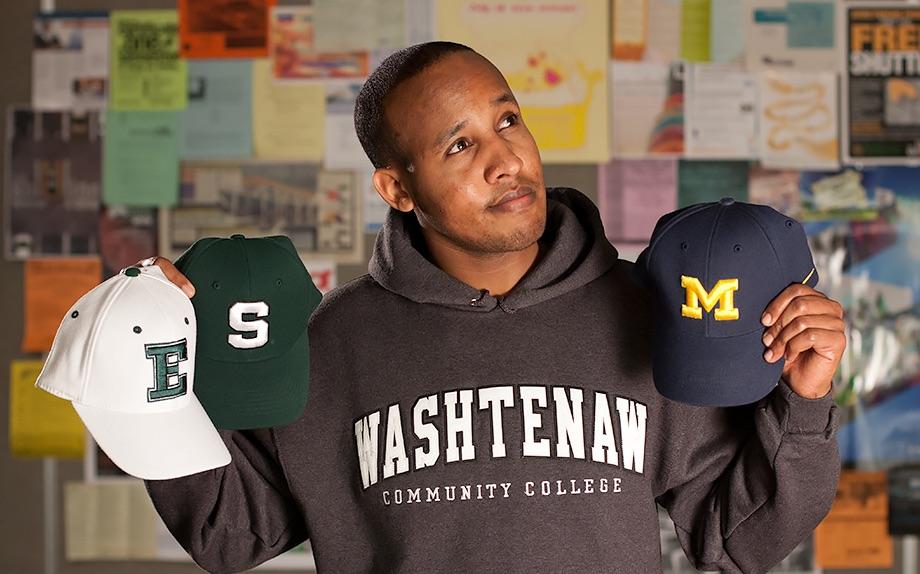
Why it's a smart decision to start your college journey at WCC
Starting your college journey at WCC is a smart choice for many reasons.
-

Skye's the limit for this HBCU-bound student
Currently, WCC has established agreements with six HBCUs — and the list is expected to grow — but whether students plan to enroll at one of the partner schools or any other HBCU, advisors stand ready to help. Partnership agreements include guaranteed admission, access to in-state tuition, ease of transfer credits and more.
-
WCC is a gateway to healthcare careers
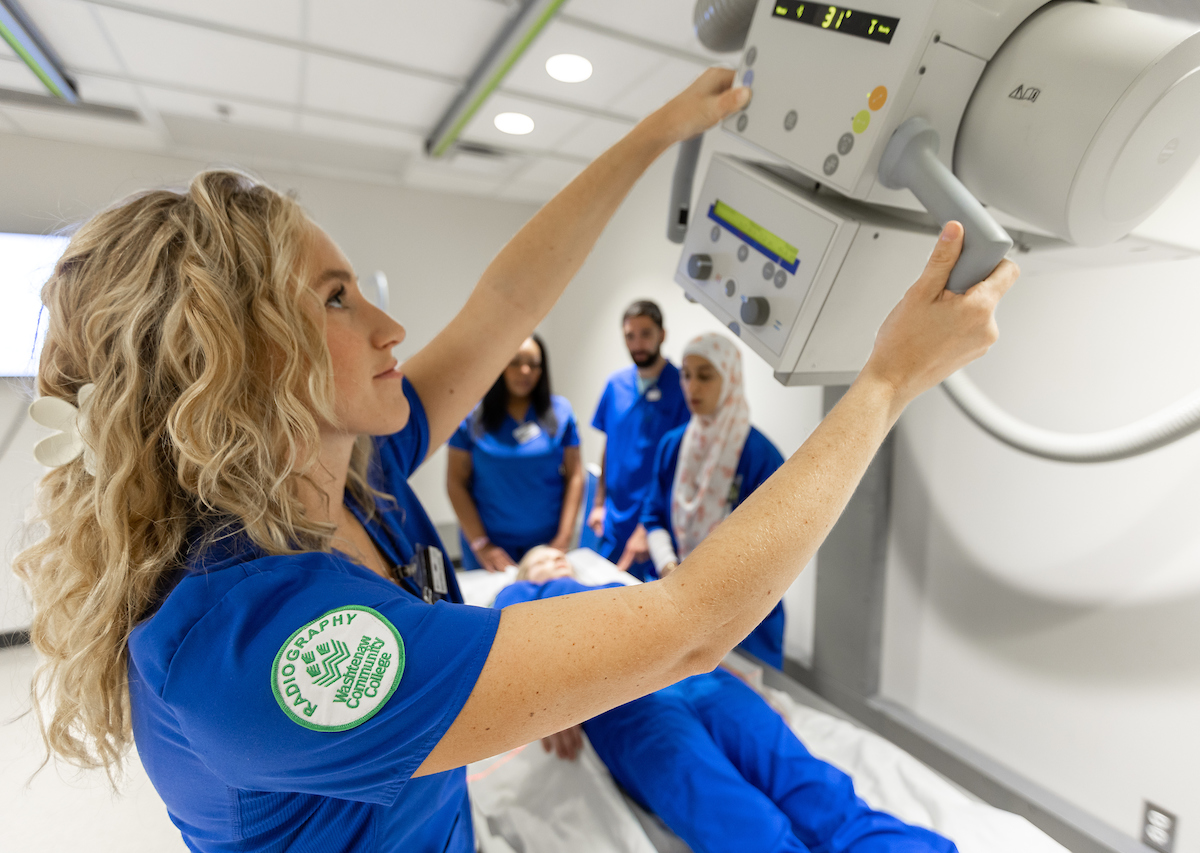
Washtenaw Community College is an ideal launch point for a career in healthcare. The college’s 17 programs form a gateway to an industry constantly in high demand for trained professionals. Beginning your career journey at WCC offers many advantages — like low cost, small class sizes, excellent transfer opportunities to advance your education at a four-year institution, or direct job placement.
-
WCC Start-Up Week, Pitch@WCC boost entrepreneurs
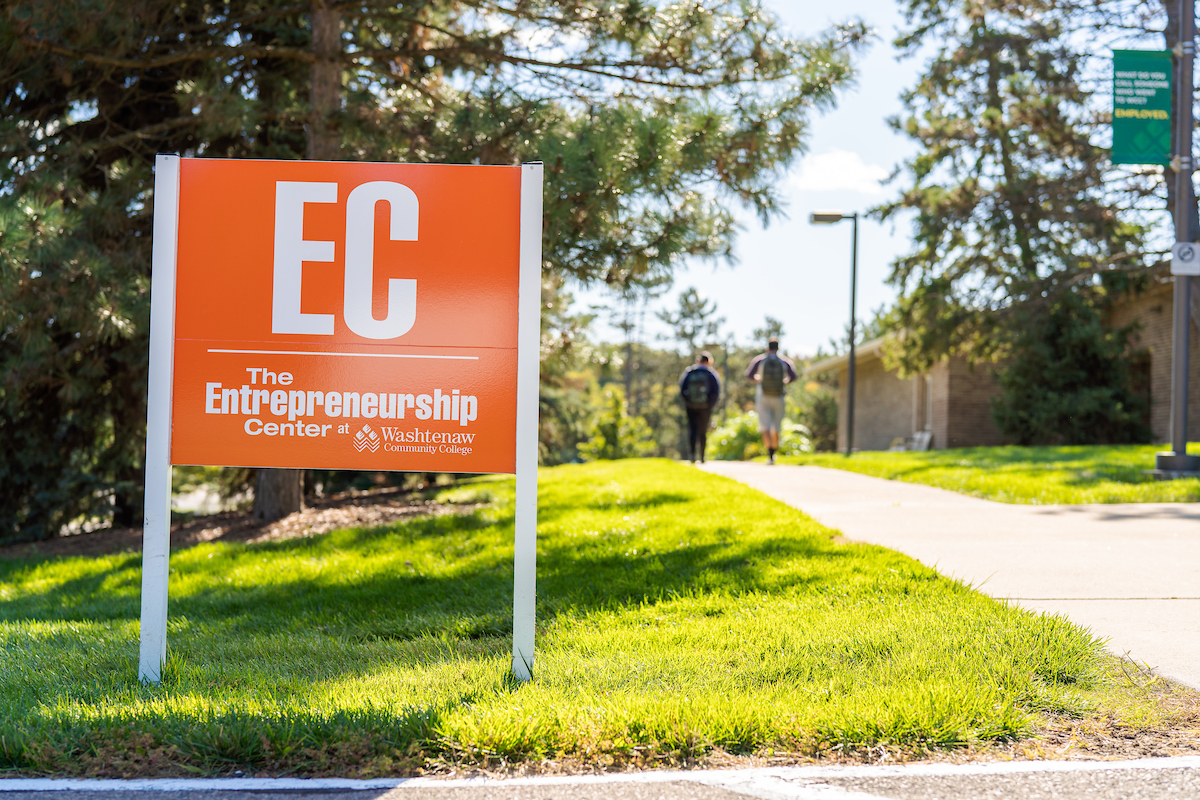
The inaugural Start-Up week will run in conjunction with the annual Pitch@WCC competition in which new and aspiring business owners compete for cash prizes to launch or grow their companies.

