


Your goals are within reach. Whether you’re starting college, enhancing skills, changing careers or looking for classes to enrich your life, we have a place for you.
Future Students
Looking to advance your workforce's skills, seek qualified employees, grow your business or host an event? We're a ready partner.
Business & Industry

Thousands of students used WCC as a launching pad for their education and careers. Learn how your gift can help students access higher education.
Alumni & DonorsPrograms offered
credit students enrolled
two-year online college in Michigan. Source: AC Online
intend to transfer to complete a bachelor degree
What Does it Cost?
Learn about costs


News & Highlights
-
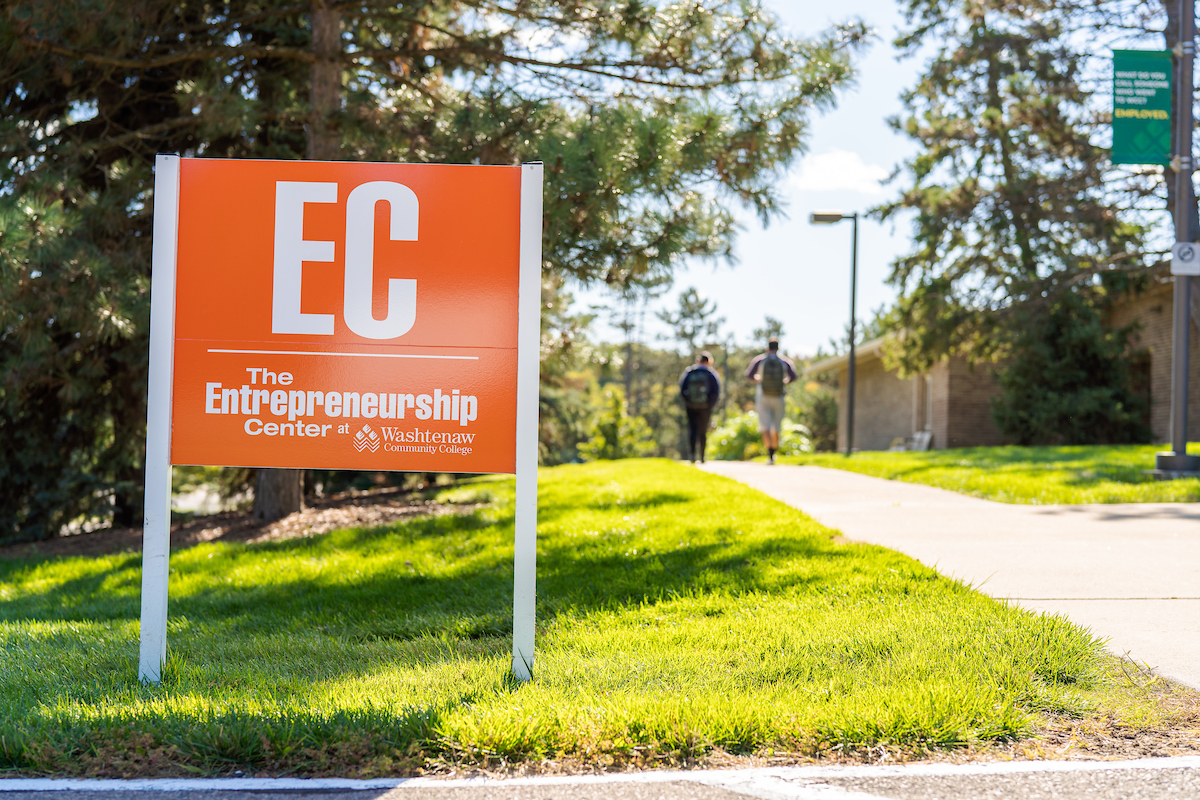
WCC Start-Up Week, Pitch@WCC boost entrepreneurs
The inaugural Start-Up week will run in conjunction with the annual Pitch@WCC competition in which new and aspiring business owners compete for cash prizes to launch or grow their companies.
-
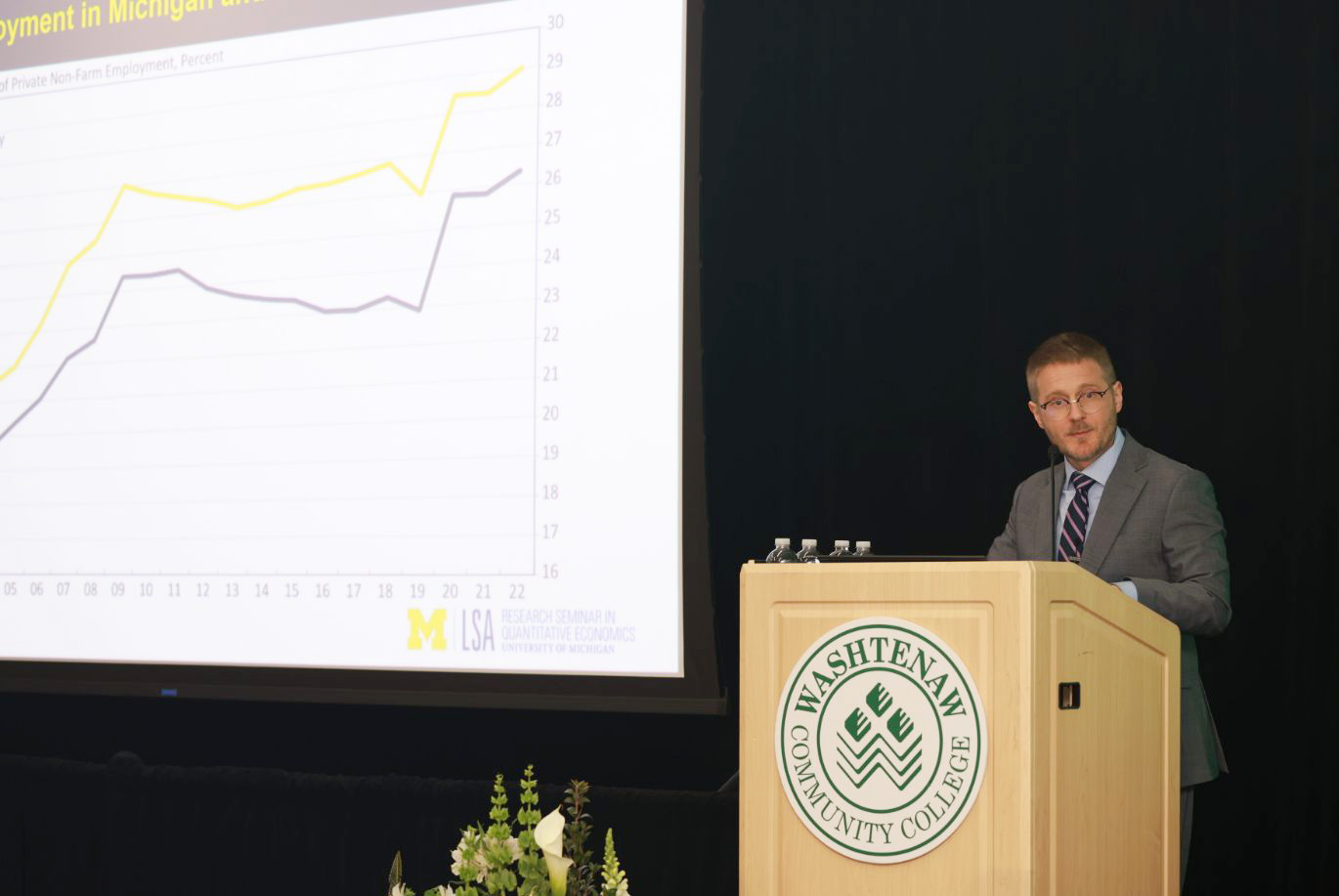
Economic forecasters project job growth for Washtenaw County through 2026
The 39th annual Economic Outlook for Washtenaw County report was presented at the WCC President’s Leadership Recognition Luncheon hosted by Dr. Rose B. Bellanca.
-

WCC welding students compete with world's best, fill jobs in a multitude of industries
The world of welding is broad and vast. And with one of the largest welding labs in the state and exceptional instructors, Washtenaw Community College trains some of the best.
-

WCC signs multi-year agreement to educate LEAD Prep Academy student-athletes
Student-athletes will earn college credits in pursuit of associate degree at WCC in Ann Arbor while competing in a national football schedule at LEAD Prep Academy in Brighton.
-

Nursing graduate adds Student Art Show winner to her list of WCC accomplishments
As she neared completion of the nationally recognized Nursing program at WCC, Xiaoyan Cui carved out a little time to further develop a long-time hobby. She took ART 120: Portrait Painting and Life Drawing as an elective. The results were award-winning.

