


Your goals are within reach. Whether you’re starting college, enhancing skills, changing careers or looking for classes to enrich your life, we have a place for you.
Future Students
Looking to advance your workforce's skills, seek qualified employees, grow your business or host an event? We're a ready partner.
Business & Industry

Thousands of students used WCC as a launching pad for their education and careers. Learn how your gift can help students access higher education.
Alumni & DonorsPrograms offered
credit students enrolled
two-year online college in Michigan. Source: AC Online
intend to transfer to complete a bachelor degree
What Does it Cost?
Learn about costs


News & Highlights
-

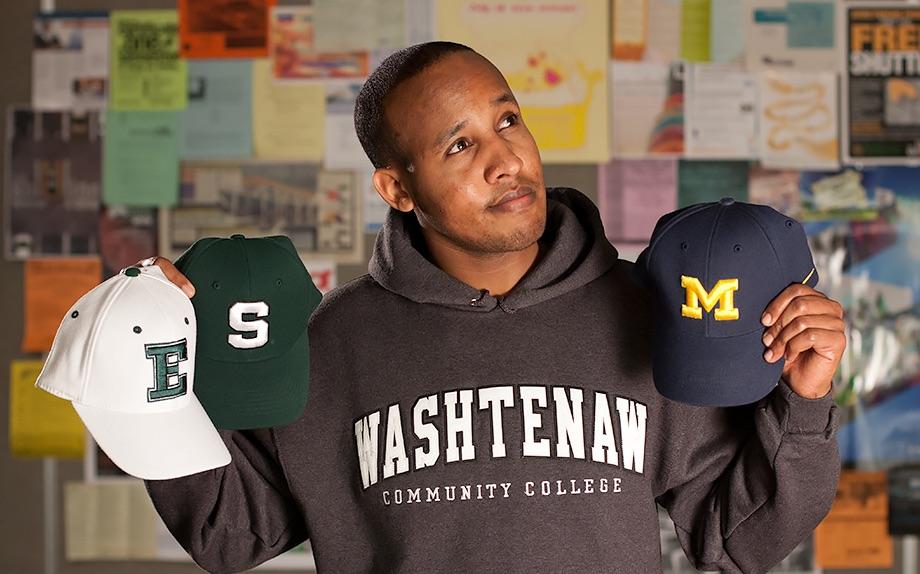
Why it's a smart decision to start your college journey at WCC
Starting your college journey at WCC is a smart choice for many reasons.
-

Skye's the limit for this HBCU-bound student
Currently, WCC has established agreements with six HBCUs — and the list is expected to grow — but whether students plan to enroll at one of the partner schools or any other HBCU, advisors stand ready to help. Partnership agreements include guaranteed admission, access to in-state tuition, ease of transfer credits and more.
-
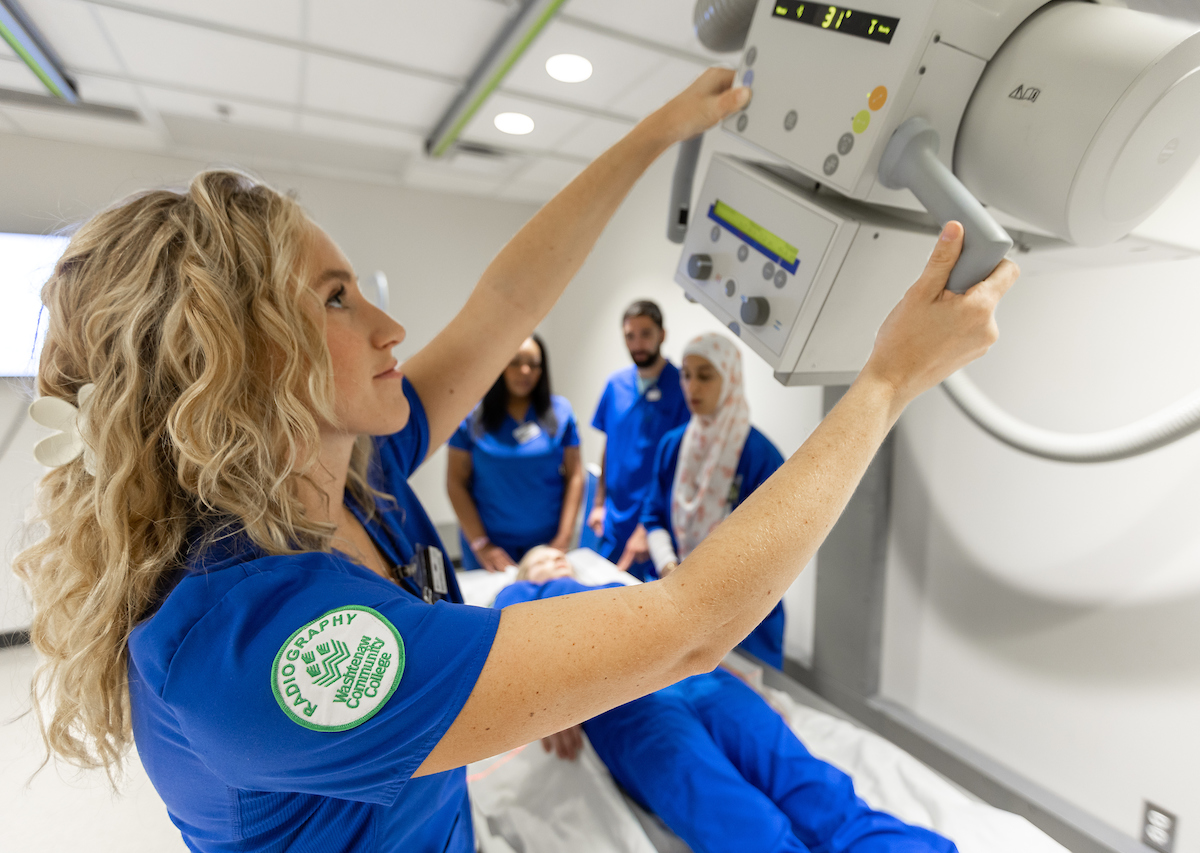
WCC is a gateway to healthcare careers
Washtenaw Community College is an ideal launch point for a career in healthcare. The college’s 17 programs form a gateway to an industry constantly in high demand for trained professionals. Beginning your career journey at WCC offers many advantages — like low cost, small class sizes, excellent transfer opportunities to advance your education at a four-year institution, or direct job placement.
-
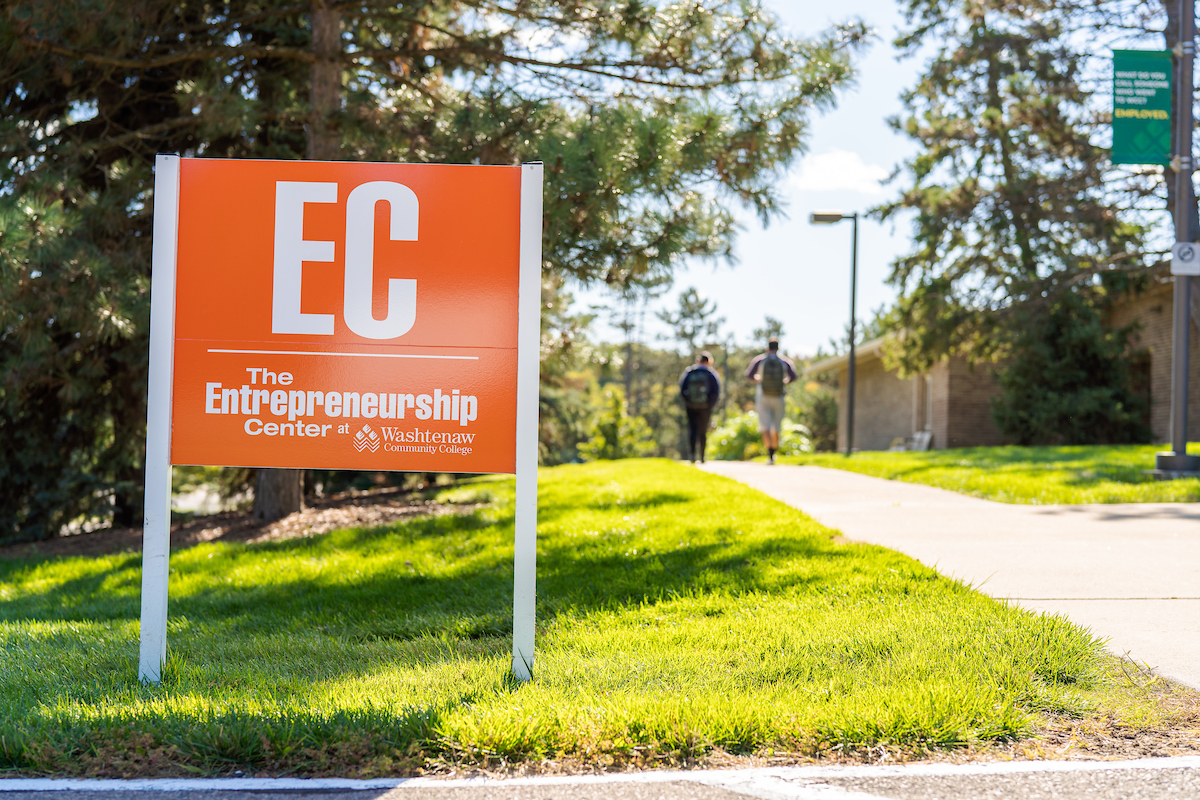
WCC Start-Up Week, Pitch@WCC boost entrepreneurs
The inaugural Start-Up week will run in conjunction with the annual Pitch@WCC competition in which new and aspiring business owners compete for cash prizes to launch or grow their companies.
-
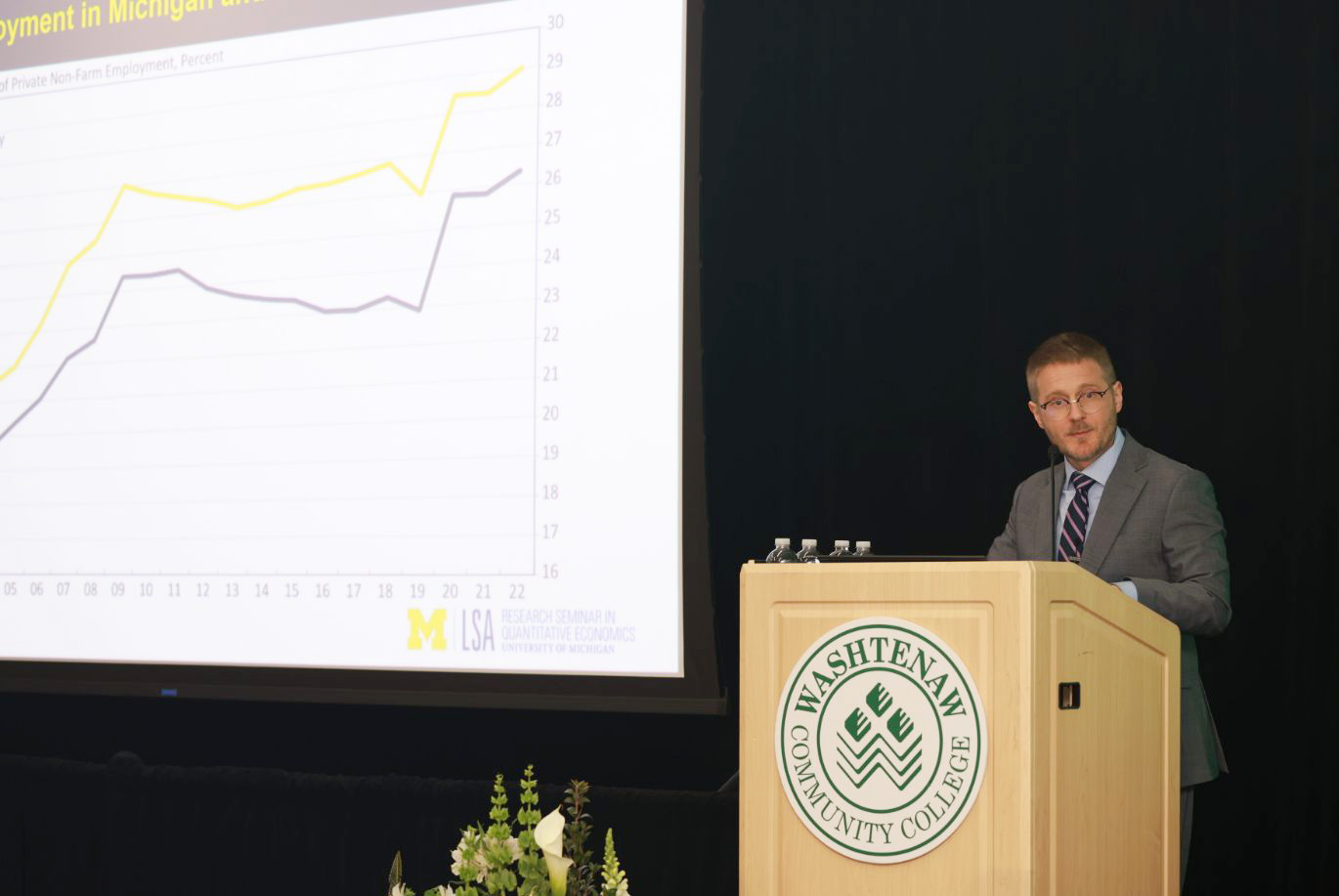
Economic forecasters project job growth for Washtenaw County through 2026
The 39th annual Economic Outlook for Washtenaw County report was presented at the WCC President’s Leadership Recognition Luncheon hosted by Dr. Rose B. Bellanca.

